

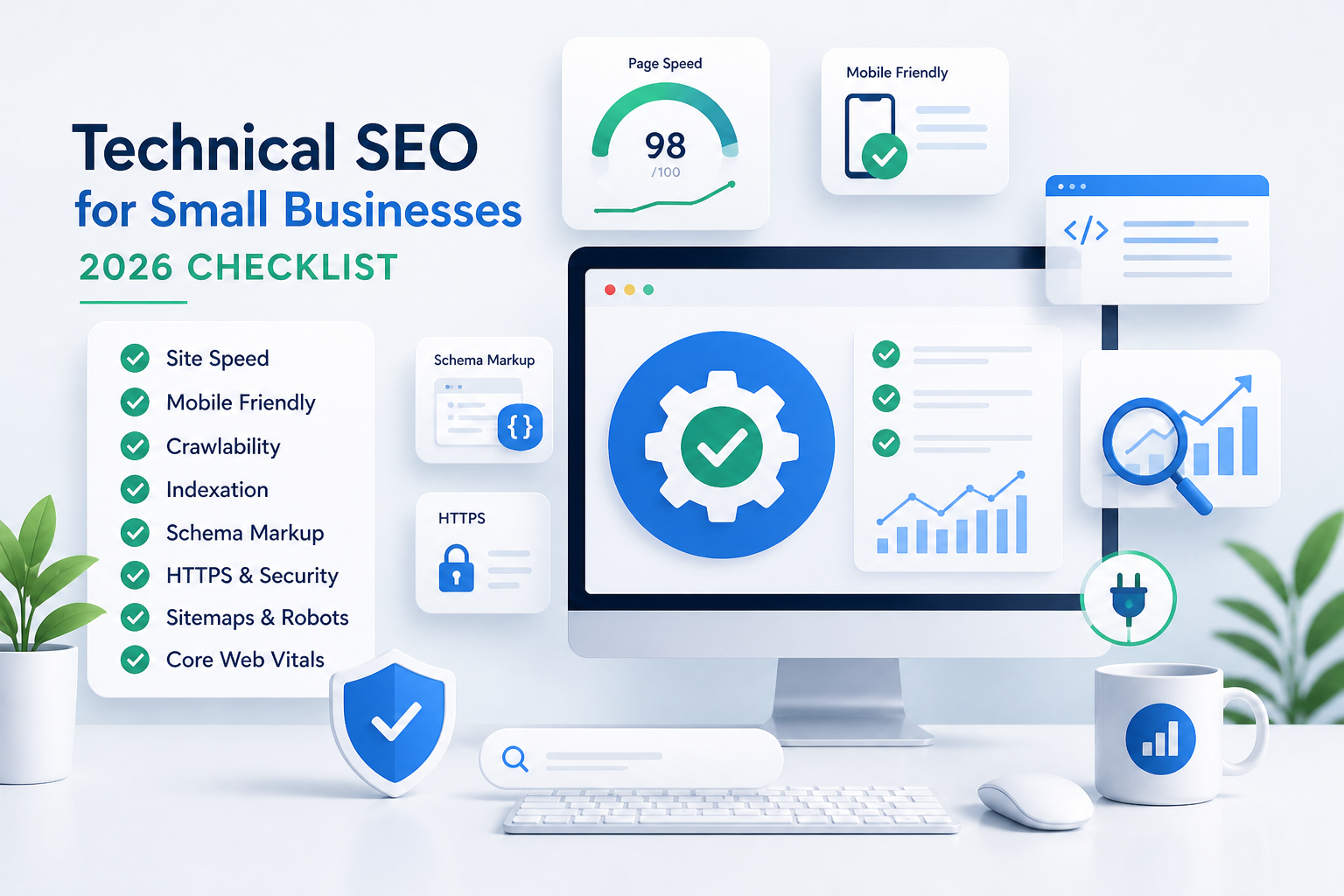
Technical SEO for Small Businesses: 2026 Checklist (No Coding Needed)
Small businesses lose 70% of visitors if pages load over 3 seconds. Technical SEO fixes that—without hiring developers.
This 2026 checklist covers essentials: speed, mobile, crawling, structure. Use NailSEO’s AI audits for instant fixes. No code required. Expect 2x traffic in 90 days.
Prerequisites
Before diving in, set up these free tools:
-
Google Search Console (GSC) for crawl errors and indexation.
-
Google Analytics to track traffic drops.
-
WordPress (if applicable) with a plugin like RankMath for quick schema.
-
NailSEO free trial for automated scans.
Familiarity with your hosting dashboard helps, but no coding knowledge needed.
Why Technical SEO Matters for Small Businesses
Search engines prioritize fast, crawlable sites. Google has ranked mobile-friendly pages higher since 2015. In 2026, AI search (SGE) scans tech signals first.
Missed basics mean zero visibility. NailSEO spotted these on 500+ small sites: slow loads kill conversions.
Quick stat: Pages under 2s load convert 32% better (source).
1. Site Speed: Load Under 2 Seconds
Core Web Vitals dominate rankings. Start by testing at PageSpeed Insights.
Common issues and fixes:
-
Largest Contentful Paint (LCP > 2.5s): Compress images with TinyPNG—upload, download optimized versions, replace originals.
-
First Input Delay (FID): Enable browser caching via hosting (e.g., Cloudflare free tier caches static files).
-
Cumulative Layout Shift (CLS): Minify CSS/JS with Autoptimize plugin (one-click activation).
Example PageSpeed report fix: If LCP fails due to hero image (2MB), compress to 200KB. Retest—score jumps from 45 to 90.
NailSEO AI delivers one-click speed reports + fixes.
2. Mobile-Friendliness: Pass Google’s Test
53% of traffic is mobile. Non-responsive design triggers instant ranking drops.
Check it: Run Google Mobile-Friendly Test on your homepage and key pages.
Fixes with examples:
-
Switch to responsive theme (WordPress: Astra—free, installs in 5 minutes).
-
Ensure touch-friendly buttons (min 48x48px—test by pinching/zooming on phone).
-
Readable fonts (16px min body text—avoid tiny condensed styles).
Before/after: Non-responsive site fails viewport test; Astra theme passes instantly.
NailSEO flags viewport issues in mobile audits.
3. HTTPS Security: Encrypt Everything
No HTTPS erodes trust and rankings—Google marks non-secure sites.
Quick fix: Install free SSL via Let’s Encrypt (hosting panel button) or Cloudflare.
Implementation steps:
-
Activate SSL in dashboard.
-
Force redirect HTTP to HTTPS (plugin like Really Simple SSL).
-
Update internal links.
NailSEO verifies setup and alerts on mixed content.
4. Crawlability: Let Google In
Blocked bots make pages invisible.
Must-haves with examples:
-
robots.txt: Allow everything useful, block junk.
User-agent: * Allow: / Disallow: /admin/ Disallow: /login/ -
XML sitemap: Generate and submit to GSC (NailSEO does this automatically).
-
Noindex junk: Add
noindexmeta tag to 404s, duplicates via plugin.
Test crawlability in GSC > Settings > Crawl URL parameters.
NailSEO generates sitemaps automatically.
5. Clean Site Structure: Logical URLs
Search engines favor intuitive paths like /blog/technical-seo-small-business.
Best practices:
-
Flat hierarchy: Limit to 3 folder levels (e.g.,
/category/post-titlenot/cat/subcat/subsub/post). -
Descriptive slugs: Use hyphens, lowercase, keywords (e.g.,
/small-business-seo-checklist). -
Breadcrumbs: Add via plugin for user/nav flow (e.g., Home > Blog > Technical SEO).
Redirect old URLs: Use 301s in .htaccess or plugin for messy legacy slugs.
6. Indexation: Get Pages into Google
Monitor in GSC URL Inspection tool.
Step-by-step:
-
Submit XML sitemap (Settings > Sitemaps).
-
Request indexing for new pages (URL Inspection > Request Indexing).
-
Hunt noindex tags—remove from important pages.
Pro tip: If “Crawled - currently not indexed,” improve content quality first.
NailSEO tracks index status live.
7. Schema Markup: Rich Snippets
FAQ or HowTo schema can boost CTR 30%.
Easy implementation: Use JSON-LD via RankMath plugin or NailSEO.
Full example for this post:
{
  "@context": "https://schema.org",

  "@type": "HowTo",

  "name": "Technical SEO Checklist",

  "step": [
    {
      "@type": "HowToStep",

      "name": "Test Site Speed",

      "text": "Use PageSpeed Insights."
    }
  ]
}
Paste into RankMath’s schema builder—live preview validates.
8. Headings & Internal Links: Guide Crawlers
Unique H1 per page, H2/H3 for logical flow (e.g., H1: “2026 Checklist”, H2: “Site Speed”). Internal link 3-5 times per page to key pages.
Example structure:
-
H1: Main topic
-
H2: Subsections
-
Anchor links:
/site-speed#core-web-vitals
NailSEO’s AI heading optimizer suggests improvements.
NailSEO Makes It Dead Simple
Skip manual audits. NailSEO scans speed, mobile, schema in seconds. AI suggests fixes + implements via chat.
Actionable Checklist
| Fix | Tool | Priority | Time to Fix |
|---|---|---|---|
| Speed test | PageSpeed | High | 15 min |
| Mobile test | Google Tool | High | 10 min |
| HTTPS | Let’s Encrypt | High | 5 min |
| Sitemap | NailSEO | Med | Auto |
| Schema | RankMath | Med | 20 min |
| Headings | NailSEO AI | Low | 10 min |
Implement top 3 today. Track progress in GSC.
Real result: SaaS client fixed speed/mobile—traffic up 3x in 90 days.
Troubleshooting Common Issues
-
Speed stuck? Defer non-critical JS (Autoptimize > Extra tab). Test incognito.
-
Mobile fails tap targets? Increase button padding in theme customizer.
-
Not indexing? Check GSC Coverage report for “Excluded by noindex tag.”
-
HTTPS mixed content? Update images/scripts to HTTPS URLs.
-
Sitemap errors? Validate at XML Sitemap Validator.
Run NailSEO audit for personalized diagnostics.
Advanced Tips
-
Core Web Vitals monitoring: Set GSC alerts for regressions.
-
Hreflang for multi-language: Add if targeting regions.
-
Lazy loading: Enable for images below fold (native in modern themes).
-
Preconnect key domains: In header for faster fonts/CDNs.
-
AMP? Skip unless news-heavy—Core Web Vitals replaced it.
Next Steps
-
Run PageSpeed and Mobile tests today.
-
Fix top 3 checklist items this week.
-
Submit sitemap to GSC.
-
Start NailSEO audit for full scan.
-
Monitor GSC weekly; retest in 30 days.
Further reading: Google’s Core Web Vitals guide, GSC help docs.
FAQs
What’s technical SEO? Backend tweaks so search engines find, crawl, and rank your site easily.
Do small businesses need it? Yes—basics alone boost rankings 50%.
How long to see results? 2-4 weeks after fixes index.
Free tools? GSC, PageSpeed Insights, NailSEO trial.